
What it does
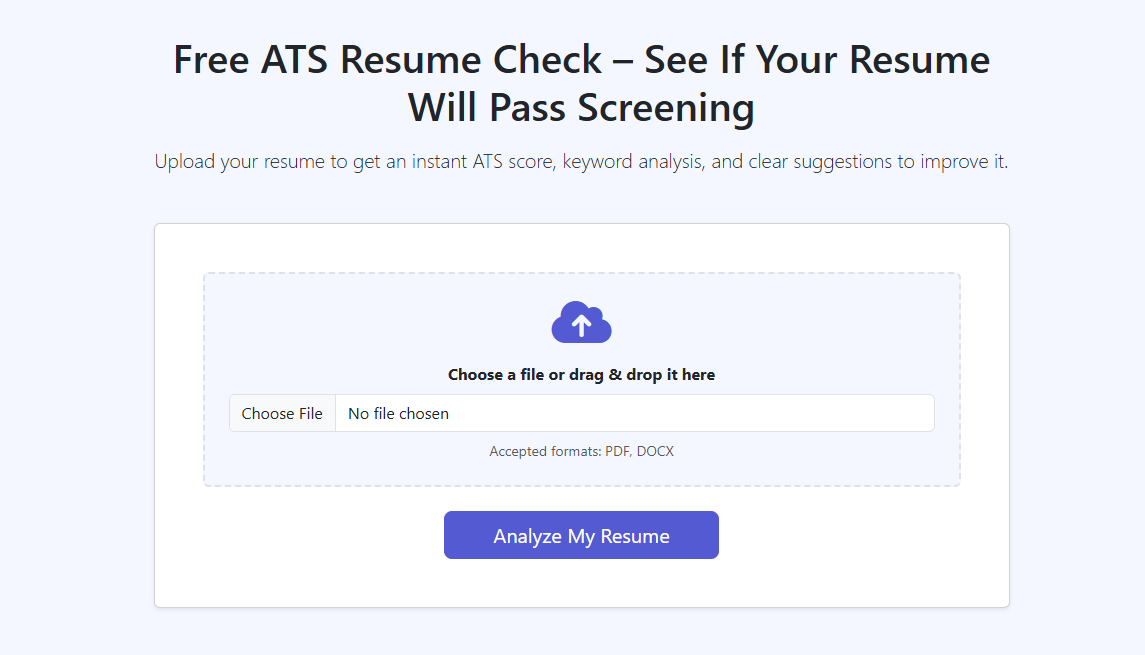
Applicant Tracking Systems (ATS) are used by many employers to parse resumes into fields (title, company, dates, skills), search for candidates by keywords, and rank/filter applications before a human ever reads them. An ATS resume checker helps you catch problems that can reduce your odds of being found in search—or cause your experience to be misread—even when your background is a great fit.
What an ATS resume checker helps you improve
- ATS readability: whether a parser can reliably extract your titles, employers, dates, and skills.
- Keyword alignment: whether your resume uses the same language recruiters and systems search for (tools, skills, role responsibilities).
- Content clarity: whether your bullets communicate impact (outcomes) instead of tasks.
- Consistency: whether dates, job titles, and section headings are standardized and easy to classify.
Typical ATS issues we see (and why they matter)
- Complex layouts (tables/columns): content may be read in the wrong order or dropped entirely.
- Important info in headers/footers: some systems ignore those regions during parsing.
- Unclear job titles: creative titles can confuse matching (e.g., “Customer Wizard” vs “Customer Success Manager”).
- Over-designed PDFs: icons, text boxes, and graphics can reduce extraction accuracy.
- Skill mismatch: your resume may be strong, but missing the exact terms the role is filtered on.
ProRes is designed to make feedback usable. Instead of generic advice, you get clear next steps and a simple path to applying improvements—either by editing your current resume or creating a better targeted version.
How it works
- Run the resume review and provide your current resume.
- Set a target role (or a specific job post) so the feedback is about your intended search terms.
- Inspect parsing + structure: make sure titles, dates, employers, and section headings read cleanly.
- Improve keyword coverage: add missing tools/skills where they’re truthful and relevant (Skills section + supporting bullets).
- Strengthen bullets: rewrite weak bullets to show impact (scope, metrics, outcomes).
- Re-check before submitting to ensure edits didn’t reintroduce layout or readability problems.
How to interpret “ATS score” style feedback
Treat the score as a prioritization tool, not a pass/fail grade. If a checker flags a parsing risk (like headers/columns) that’s usually higher priority than chasing one extra keyword. The best result is: (1) readable, (2) clearly targeted, (3) persuasive to humans.
Tip: you’re not trying to “game” an ATS. You’re ensuring the system can correctly read and categorize your experience—so a recruiter can actually find you.
Who it’s for
- Active job seekers who are applying online and want to reduce avoidable ATS rejections.
- Career switchers who need to validate that their resume matches a new target role’s language.
- People revising an older resume that may use outdated formatting or non-ATS-friendly templates.
- Applicants not getting callbacks who suspect keyword mismatch or unclear positioning.
If your resume reads well to a person but is hard for software to parse, you can lose visibility in recruiter search. A checker helps you catch the invisible problems early.
Examples & screenshots
Tips & best practices
- Use standard section headings like “Experience”, “Education”, and “Skills” so parsers don’t mislabel content.
- Avoid tables/columns for core content; many ATS parsers still struggle to read them in the right order.
- Mirror the job description intelligently: include relevant tools, skills, and role language where it’s truthful.
- Keep dates consistent (e.g., “Jan 2022 – Mar 2024”) to reduce parsing ambiguity.
- Prefer simple fonts and clear hierarchy; visual design should support readability, not compete with it.
- Don’t keyword-stuff. It’s better to strengthen the substance of bullet points than to repeat buzzwords.
- Validate the “searchable skills”: if a recruiter searched for 5–10 required skills, would your resume obviously match?
- Place keywords where they belong: add tools in Skills, then prove them in Experience bullets (what you built, shipped, analyzed, improved).
- Keep acronyms and full names together when relevant (e.g., “Applicant Tracking System (ATS)”) so you match more searches.
- Use a simple file name (e.g., “FirstLast_Resume.pdf”)—some systems store or display it to recruiters.
ProRes differentiator
ProRes is built around an iterative workflow: you can start with a fast resume review, then choose the most efficient fix path—edit the current resume, import and clean up content, or generate a more targeted version—without starting from scratch.
FAQ
An ATS resume checker looks for issues that can affect how Applicant Tracking Systems parse and interpret your resume. That includes formatting risks (columns, headers/footers, text boxes), missing or weak keywords for your target role, and clarity problems that make your experience harder to classify (unclear titles, vague bullets, inconsistent dates).
Not automatically. ATS-friendly means the system can read your resume correctly. A good resume also persuades a human reviewer with strong accomplishments, clear impact, and relevant positioning. The best outcome is both: readable by software and compelling to humans.
No. Focus on the keywords that reflect real requirements (tools, skills, role responsibilities). Add them where they genuinely apply—often in your Skills section and in achievement-oriented bullet points—rather than copying phrases verbatim.
The most common problems are complex layouts (tables/columns), putting important details in headers/footers, inconsistent date formats, unclear job titles, and resumes that don’t reflect the language recruiters search for. These issues can cause mis-parsing (your skills get lost) or poor matching (you don’t show up for relevant searches).
It depends on the employer system. Many ATS platforms handle PDFs well, but some older systems prefer .docx. The safest approach is to keep formatting simple in either format and re-check parsing if you make major design changes.
Start with the highest-impact fixes: simplify layout, use standard headings, and make sure your Skills section contains the tools and skills the role requires (only if true). Then prove those skills in your Experience bullets with outcomes and scope. Re-run the review after each major edit to confirm you improved matching without harming readability.
Two common causes are target mismatch (your resume isn’t clearly positioned for the role you’re applying to) and keyword mismatch (your resume doesn’t use the terms recruiters search for). A resume review helps you spot which skills and role language are missing, then you can tailor your summary, skills, and top bullets to match the job you actually want.
Ready to validate your resume before you apply?
Run a quick resume review and get clear action items you can apply immediately. It’s the fastest way to reduce ATS risk and improve keyword alignment.